We see this set-up a lot. A trade business connects ServiceM8 to GoHighLevel, leaves opportunities switched off, creates a few contact custom fields, then maps job details into them: invoice number, job value, job date.
It works on day one. Then the same customer books a second job, and the first job's details quietly disappear.
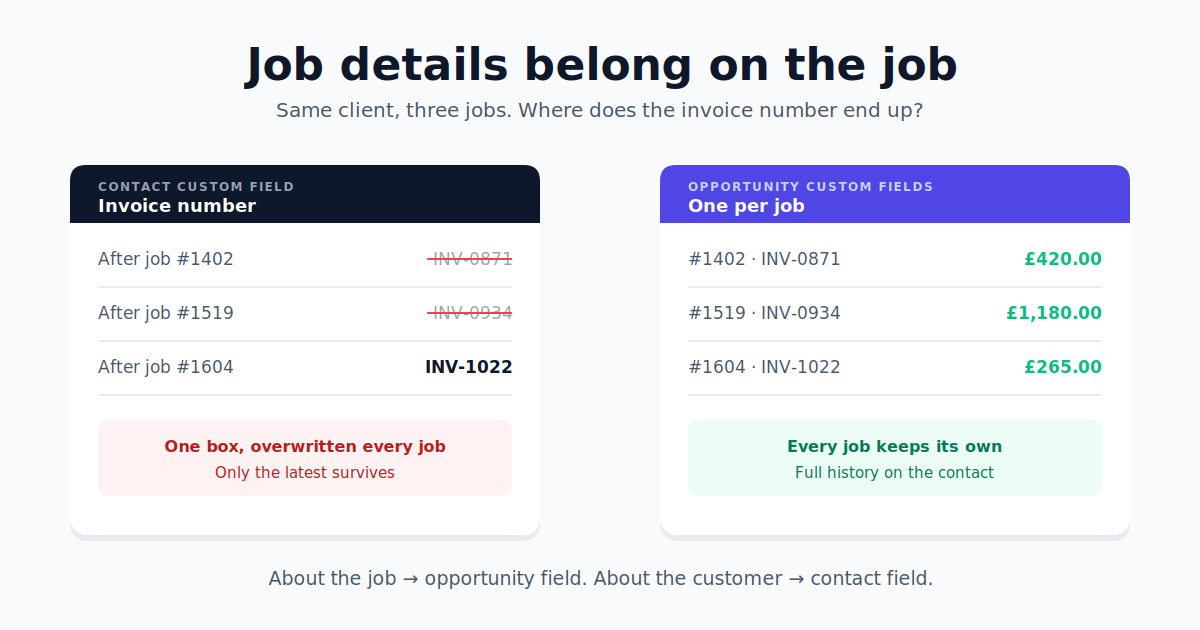
A contact field holds one value
A custom field on a GoHighLevel contact is a single box. It holds one invoice number, one value, one date. When that customer's next job syncs, TradeSync fills the box with the new job's details, which is exactly what you asked it to do. The old ones are gone.
For a one-off customer, you'd never notice. For the repeat customers who make up most of a good trade business, you're left with a contact that only ever shows their latest job. Their history is gone, and so is any chance of seeing what they've spent with you over the years.
An opportunity is the job
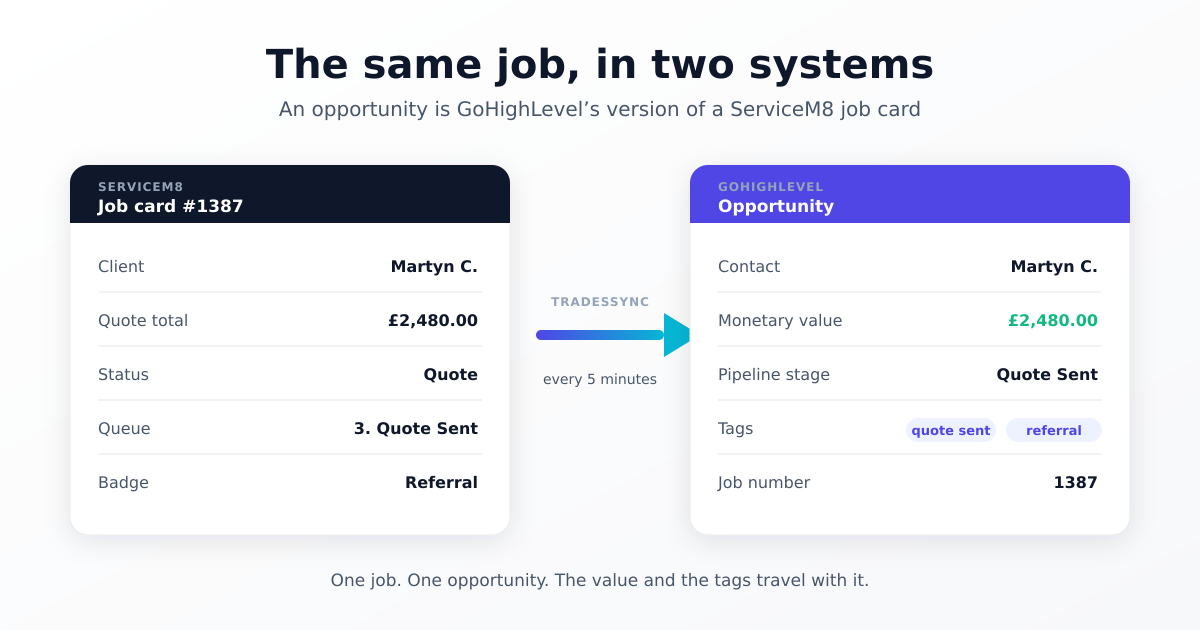
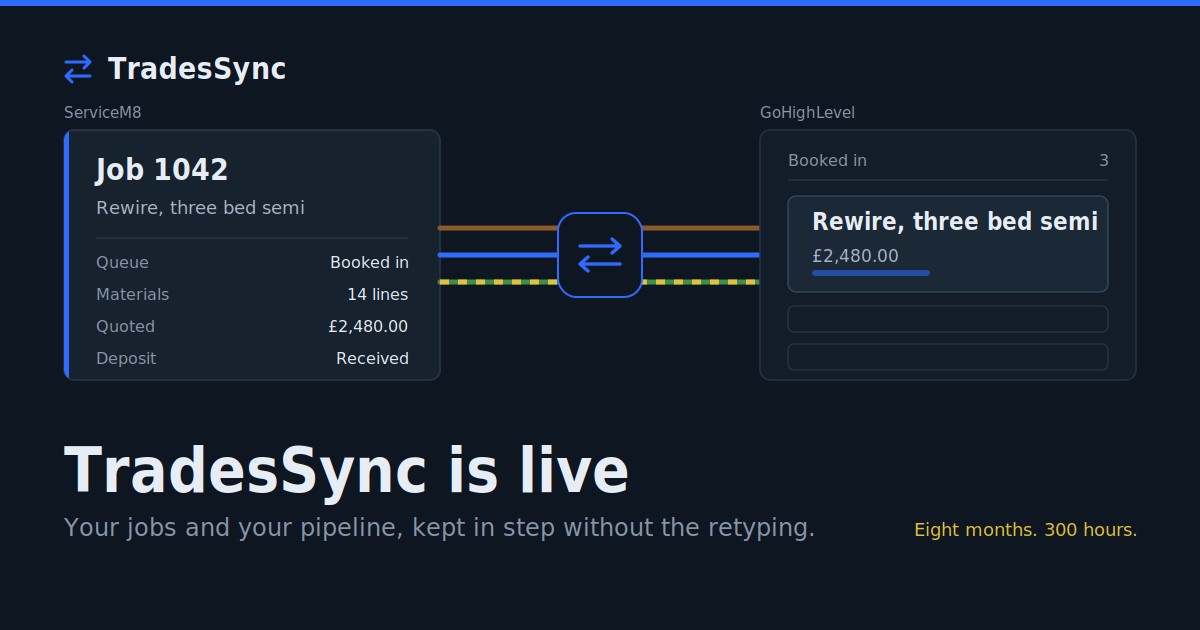
In GoHighLevel, an opportunity is the job. TradeSync creates one for every ServiceM8 job, names it with the job number, client and description, and moves it through your pipeline as the job moves through your queues.
Opportunities can have their own custom fields, just like contacts. Put the invoice number there and every job keeps its own. Three jobs for the same customer means three opportunities on their contact record, each with its own invoice number, value and dates, sitting side by side. Nothing overwrites anything.
The rule
About the job? Opportunity field. Invoice number, job value, quote amount, job date, job address, the engineer who did it.
About the customer? Contact field. Customer type, where the lead came from, their smoke alarm or EICR expiry date, the date of their last job.
That last group is where contact fields earn their place. You don't want a history of a customer's smoke alarm expiry dates. You want the current one, so your reminder workflow fires at the right time. "The latest value wins" is exactly the behaviour you want there.
"But my automations run off the contact"
That's the usual reason people go contact-only, and it's a fair one. Contact fields are easy to trigger workflows from.
GoHighLevel workflows can also trigger from opportunities: a stage change, a status change, an opportunity being created. Most job-based automations, like review requests when a job completes or a nudge when a quote has sat unanswered, are cleaner off the opportunity anyway, because they fire once per job rather than once per customer.
If you do need a job detail on the contact for a specific workflow, map it to both. The opportunity keeps the history, and the contact holds the latest.
Setting it up
- Create the fields in GoHighLevel. In your custom fields settings, add them against Opportunities rather than Contacts. Use a date field for dates, not text, or GoHighLevel can't use them in date-based automations.
- Turn on opportunities in TradeSync. In Sync Settings, switch on Create opportunities and set a pipeline stage for each ServiceM8 queue or status.
- Map your fields. In Step 3, your opportunity custom fields appear in the GoHighLevel list alongside the contact ones. Point the ServiceM8 field at the opportunity field.
- Check one job. Use Sync Preview to see exactly what would be sent before anything goes across.
One GoHighLevel setting to check while you're there: Allow more than one opportunity per contact in the same pipeline (Settings > Objects > Opportunities). It's off by default, and until you turn it on, only a customer's first job becomes an opportunity.
Contact-only is still a valid choice
Some businesses deliberately run contacts and tags only, and build their pipeline with GoHighLevel workflows. TradeSync supports that fully. Just go in knowing that every contact field will always show the most recent job, never a history.
If invoice numbers and job values matter to you, and they matter to most trades, put them on the job. That's what opportunities are for.